QuickBooks Desktop vs QuickBooks Online: Compared
QuickBooks Desktop is installed on your computer and sold as a yearly license, while QuickBooks Online is a cloud service you subscribe to. Desktop 2024 starts at $299 for a year with no monthly fees.
Small business owners often ask whether to choose QuickBooks Desktop or QuickBooks Online. They share a name and a purpose, but they work in different ways and suit different businesses. This guide explains the practical differences in plain terms so you can choose with confidence.
The core difference
QuickBooks Desktop is software you install on your own computer or server. Your company file lives on your hardware, and you work offline if you need to. QuickBooks Online is a cloud service: you sign in through a web browser, your data is stored on Intuit's servers and you pay a recurring subscription to keep using it.
Side-by-side overview
| Question | QuickBooks Desktop 2024 | QuickBooks Online |
|---|---|---|
| How is it delivered? | Installed on your computer | Cloud service in a browser |
| Where is your data? | On your own computer or server | Hosted online |
| How do you pay? | Yearly license, no monthly fees | Ongoing subscription |
| Editions | Pro Plus, Mac, Enterprise | Subscription plans |
| Multi-user | 3, 5, or up to 40 on Enterprise | Depends on plan |
| Advanced inventory and roles | Enterprise edition | Depends on plan |
We do not quote QuickBooks Online prices here because plans and pricing change. Check Intuit's site for current plan costs, then compare them with the Desktop prices below.
Cost structure
With QuickBooks Desktop 2024 from Digilico, you pay for a yearly license with no monthly fees. Pro Plus is $299 for a year with 3 users or $399 with 5 users. The Mac edition is $299 for a year with 3 users. Enterprise starts at $1,499 for a year with 5 users. Three-year terms are $899, $1,199, $899 and $4,499 respectively. A subscription, by contrast, continues for as long as you use the service, so compare the total cost over the years you expect to use it.
Data control
Many Desktop users value having their financial data on their own hardware. You decide when and how to back it up, and you are not dependent on a web connection to open your books. That control is a major reason owners stay with Desktop. For a deeper look at why, see our guide on whether QuickBooks Desktop is going away.
Features and growth
Desktop Pro Plus includes more than 100 built-in reports. If your business outgrows it, Enterprise adds advanced inventory and advanced reporting and roles, and it scales up to 40 users. Because those are Desktop-only options in our lineup, they are worth considering if you expect to add staff or stock.
When Desktop is the better fit
Desktop is a good fit if you want a predictable cost without a monthly bill, prefer local storage, work with a bookkeeper who already uses Desktop, or need Enterprise-level inventory and roles. It also suits businesses that want to keep a stable version of the software from year to year.
When Online may fit better
Online may suit you if you want to sign in from any browser and have no need for local installation. If that describes your business, weigh it against the other points above. Our goal is to help you choose, not to push one product.
Buying Desktop the safe way
If Desktop is right for you, Digilico sells genuine 2024 licenses with the official Intuit download. You receive your key in about 5 minutes, install and activate it, and pay only after our team confirms it is working. If you change your mind, our refund policy allows a request within 30 days of payment; see the refund policy.
Next steps
See every price on our QuickBooks Desktop 2024 price page or read how a Desktop license avoids a monthly bill.
Questions to ask yourself
Before choosing, answer a few practical questions. How many people need access, and from where? Is a predictable yearly cost more attractive than an ongoing subscription? Does your bookkeeper or accountant already work in one of the products? Do you need Enterprise features such as advanced inventory or role-based reporting? Will you want to keep a stable version of the software for a few years? Your answers will usually point clearly in one direction.
Switching and file safety
If you decide on Desktop and already have books elsewhere, plan the move carefully. Export or back up your data first, and keep the original until you have checked the new file. QuickBooks Desktop 2024 also opens and upgrades existing desktop company files. Our team can talk through the safest way to migrate, and because you pay after activation, you can test before committing.
Frequently asked questions
What is the biggest difference between Desktop and Online?
QuickBooks Desktop is software installed on your own computer, with your data stored on your own hardware. QuickBooks Online is accessed through a web browser and run as a cloud service on a subscription.
Does QuickBooks Desktop 2024 have monthly fees?
No. The 2024 Desktop license we sell is a yearly license with no monthly fees.
Can I move my data from Online to Desktop?
Moving between products is possible but depends on your data. Contact our team before you switch and we will explain how to migrate safely.
Who is Desktop best suited for?
Businesses that want local control of their data, a fixed yearly cost and, for larger teams, features like advanced inventory and roles in Enterprise.
Is the Desktop software genuine?
Yes. You download it from Intuit's official servers and activate it with a genuine license key.
Get genuine QuickBooks Desktop 2024
Official Intuit download, delivered in ~5 minutes. Pay only after activation.
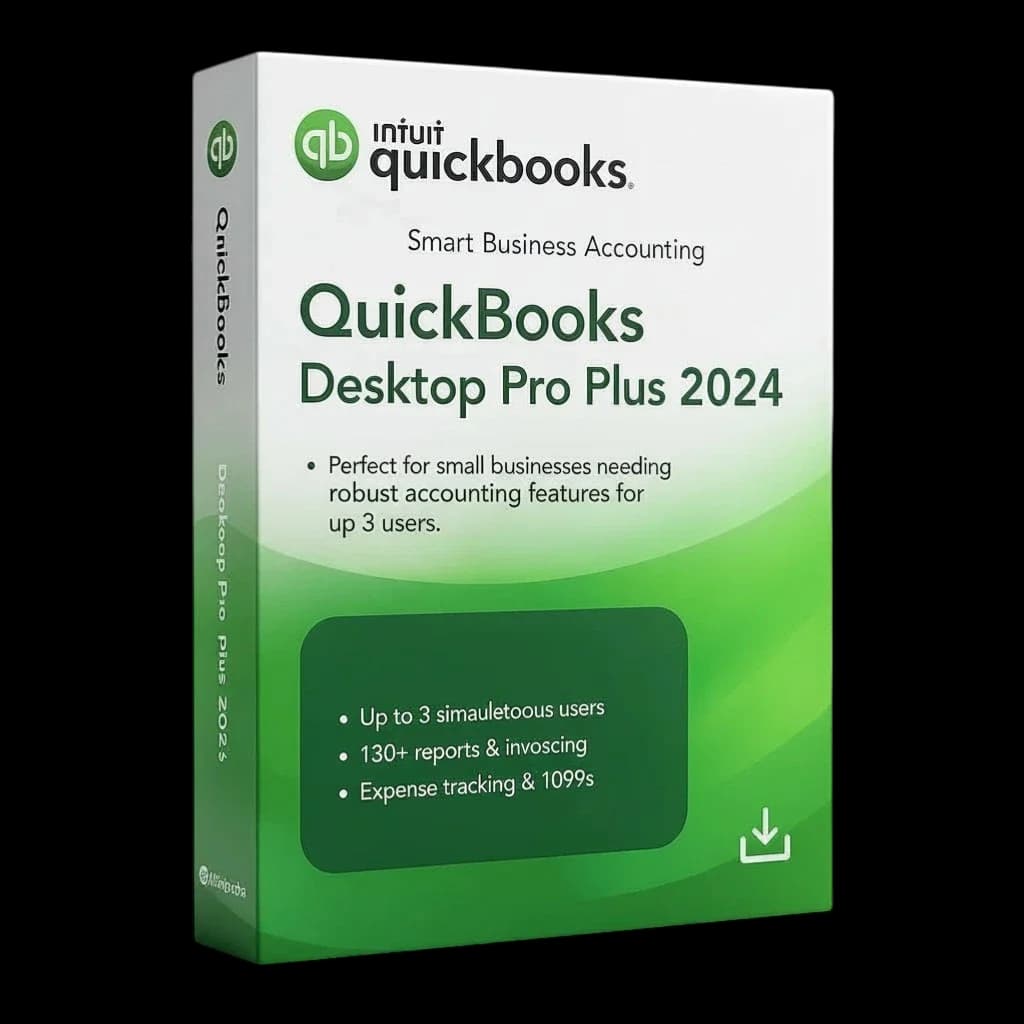
QuickBooks Desktop Pro Plus 2024 — 3 Users
$299 / year $1,049 Save 71%
View edition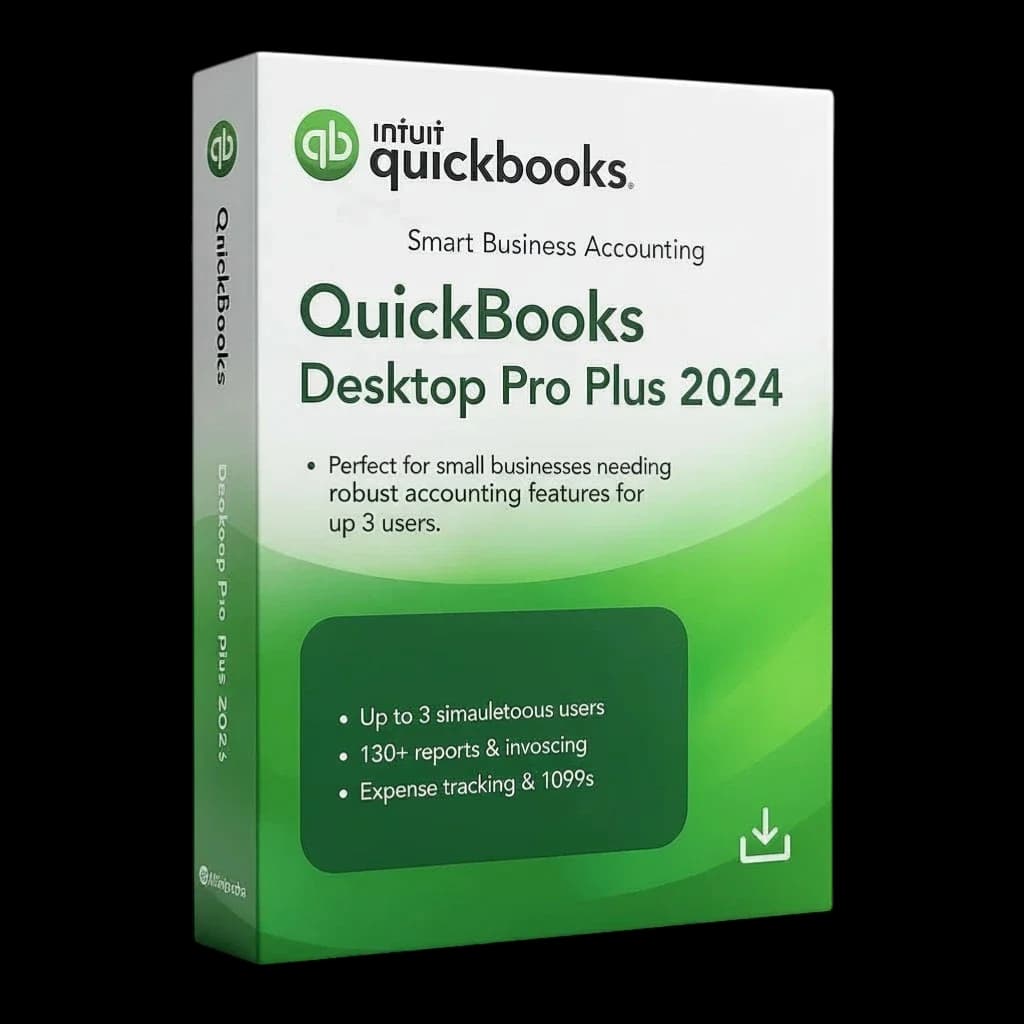
QuickBooks Desktop Pro Plus 2024 — 5 Users
$399 / year $1,449 Save 72%
View edition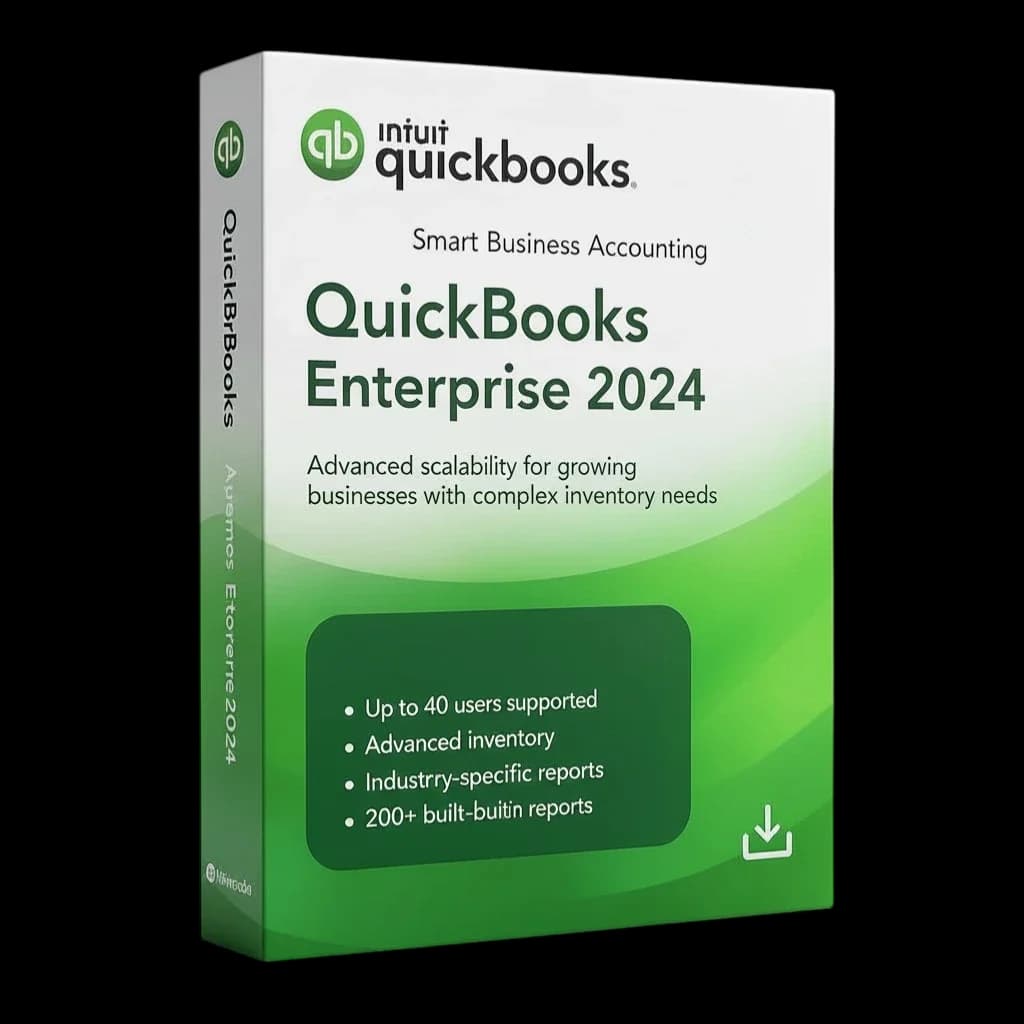
QuickBooks Desktop Enterprise 2024 — 5 Users
$1,499 / year $5,470 Save 73%
View edition
Related guides
- QuickBooks Desktop Without a SubscriptionGet genuine QuickBooks Desktop 2024 as a yearly license with no monthly fees. See prices, terms and how pay after activation works.
- QuickBooks Enterprise for Multiple Users (Up to 40)QuickBooks Desktop Enterprise 2024 for teams: 5 users from $1,499 a year, scaling to 40 users with custom volume pricing.
- QuickBooks Pro Plus vs Enterprise 2024: Which to BuyCompare QuickBooks Desktop Pro Plus 2024 and Enterprise 2024 by price, users and features to pick the right edition for your business.
- Is QuickBooks Desktop Going Away? Unpacking the Future of Your Trusted Accounting SoftwareIs QuickBooks Desktop going away? A clear look at what Intuit is changing, who still needs Desktop, and how to plan for the years ahead.