QuickBooks Desktop Mac vs Windows: Which Edition?
QuickBooks Desktop for Mac 2024 ($299 a year, 3 users) is the edition for macOS. Pro Plus and Enterprise run on Windows. Choose by the computers your team uses, then by user count.
QuickBooks Desktop comes in separate editions for macOS and Windows, so the first decision is simply which computers your business uses. Digilico sells the genuine 2024 Mac edition and the Windows Pro Plus and Enterprise editions, all with the official Intuit download and pay-after-activation delivery.
The editions side by side
| Feature | Mac 2024 | Pro Plus 2024 | Enterprise 2024 |
|---|---|---|---|
| Platform | macOS | Windows | Windows |
| Users | 3 | 3 or 5 | 5, up to 40 via volume pricing |
| 1-year price | $299 | $299 / $399 | $1,499 |
| 3-year price | $899 | $899 / $1,199 | $4,499 |
| Listed retail price | $1,049 | $1,049 / $1,449 | $5,470 |
| 100+ built-in reports | Yes | Yes | Yes |
| Advanced inventory | No | No | Yes |
| Advanced reporting and roles | No | No | Yes |
| Best for | Mac users | Small business | Larger teams |
Choose Mac if your team works on macOS
The Mac edition is the right choice when your accountant, bookkeeper and owners all use Macs. It is a genuine 2024 license for up to 3 users at $299 for a year. It includes the same core reporting set as the Windows Pro Plus edition, and you install it from Intuit's official download, then activate with your license key.
Choose Pro Plus if you run Windows
Pro Plus is built for Windows PCs and comes in 3-user ($299) and 5-user ($399) versions. If you have a mix of up to five Windows machines, Pro Plus is the straightforward option and gives you more seats than the Mac edition.
Choose Enterprise for larger Windows teams
Enterprise is also a Windows edition. It adds advanced inventory and advanced reporting and roles, and it scales up to 40 users. If you are weighing these two Windows editions, read our Pro Plus vs Enterprise comparison.
Mixed Mac and Windows offices
If some of your team use Macs and others use Windows, check how your company file will be shared before you buy. User counts are tied to the edition you purchase, so it is worth talking with our team about your setup. Contact us, describe your computers, and we will point you to the right edition.
System requirements
QuickBooks Desktop 2024 for Windows runs on Windows 10/11 64-bit, with at least 4 GB RAM (8 GB recommended) and around 2.5 GB of disk space. QuickBooks for Mac 2024 requires a supported version of macOS. We are happy to confirm compatibility for your specific machine before you buy.
What stays the same on every platform
Every edition we sell is a genuine 2024 Desktop license with an official Intuit download and a license key that validates with Intuit when you activate. The delivery email arrives in about 5 minutes, and you pay only after activation, once our team has confirmed the software is installed and working. All editions are Yearly licenses with no monthly fees, and our refund policy allows you to request a refund within 30 days of payment.
Moving your existing data
QuickBooks Desktop 2024 opens and upgrades your existing company file, so customers, vendors, history and reports carry over. Back up your file first. If you are moving between platforms, contact our team and we will walk you through the safest way to migrate.
Next steps
Open the product page for your platform, pick a 1-year or 3-year term, and order. If you are still comparing options, see QuickBooks Desktop 2024 pricing for every price in one table.
Which edition do most Mac businesses pick
If every computer in your office is a Mac and your team is three people or fewer, the answer is simple: the Mac edition at $299 for a year, or $899 for three years. Owners who expect to grow past three users should think ahead. The Mac edition is a 3-user product, so a growing team may eventually need to look at the Windows editions, which offer 5 users in Pro Plus and 5 to 40 in Enterprise. Telling us your plans now lets us suggest an edition that will not need replacing in a year.
Common questions we hear
Buyers most often ask whether they can try the software first. With pay after activation, you effectively can: you install and activate, our team confirms it is working, and you pay after that. Buyers also ask whether the key is genuine, and the answer is yes. The download comes from Intuit and the key validates with Intuit when you activate.
Frequently asked questions
Do you sell QuickBooks Desktop for Mac?
Yes. We offer a dedicated QuickBooks Mac edition for 3 users, alongside the Windows Pro Plus and Enterprise editions.
How much is the Mac edition?
QuickBooks Desktop for Mac 2024 with 3 users is $299 for a 1-year license or $899 for a 3-year license.
Can I run the Windows edition on a Mac?
The Windows editions are built for Windows. Contact our team about your setup before you buy and we will help you confirm compatibility.
What are the system requirements?
QuickBooks Desktop 2024 for Windows runs on Windows 10/11 64-bit with at least 4 GB RAM (8 GB recommended) and around 2.5 GB of disk space. The Mac edition requires a supported version of macOS.
Is the Mac license a subscription?
No. It is a yearly license with no monthly fees, like every edition we sell.
Get genuine QuickBooks Desktop 2024
Official Intuit download, delivered in ~5 minutes. Pay only after activation.
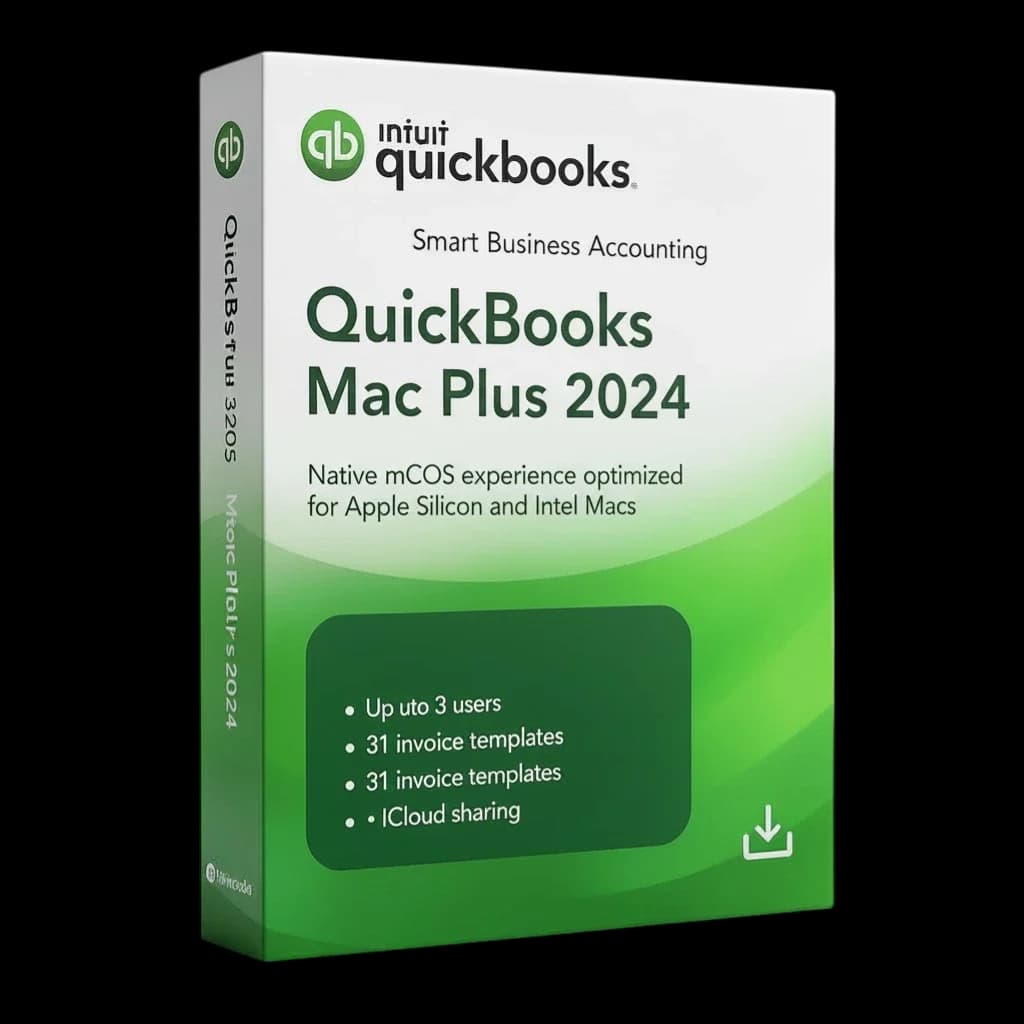
QuickBooks Desktop for Mac 2024 — 3 Users
$299 / year $1,049 Save 71%
View edition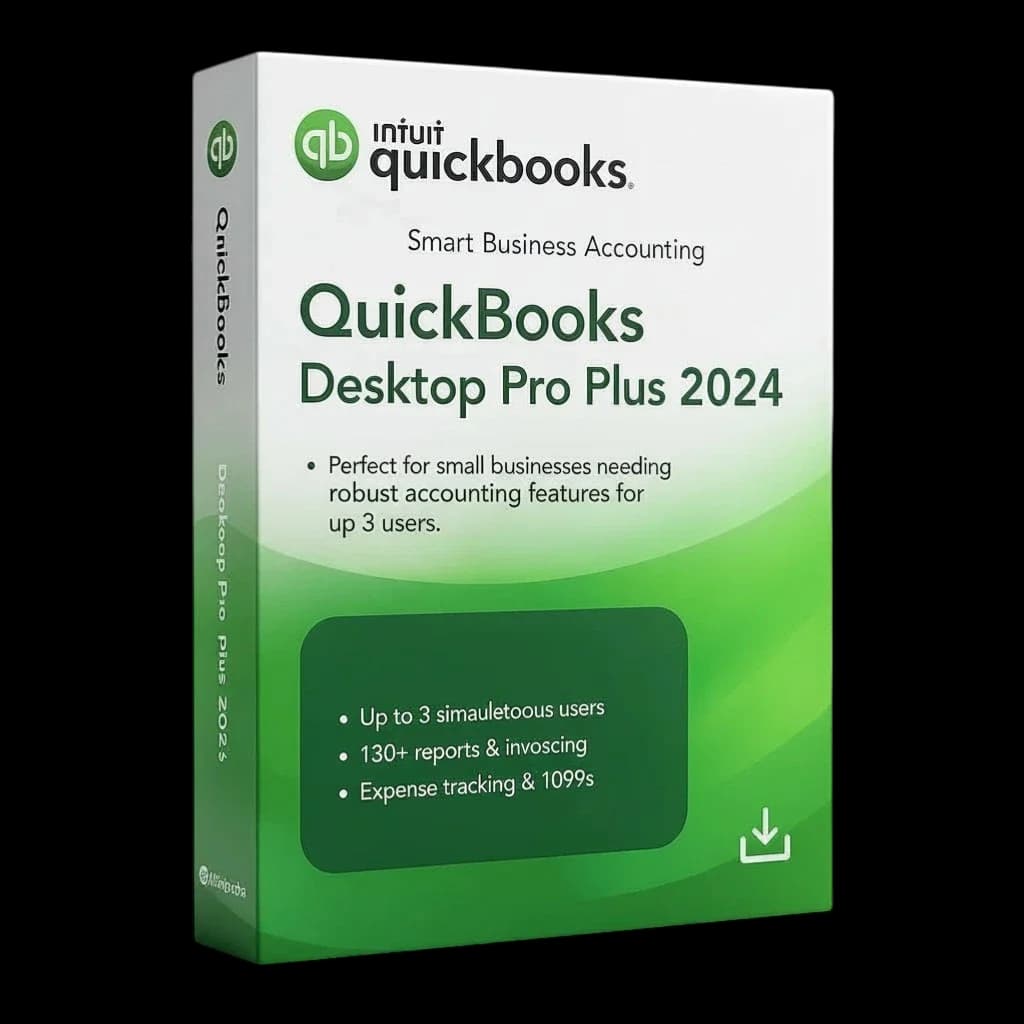
QuickBooks Desktop Pro Plus 2024 — 3 Users
$299 / year $1,049 Save 71%
View edition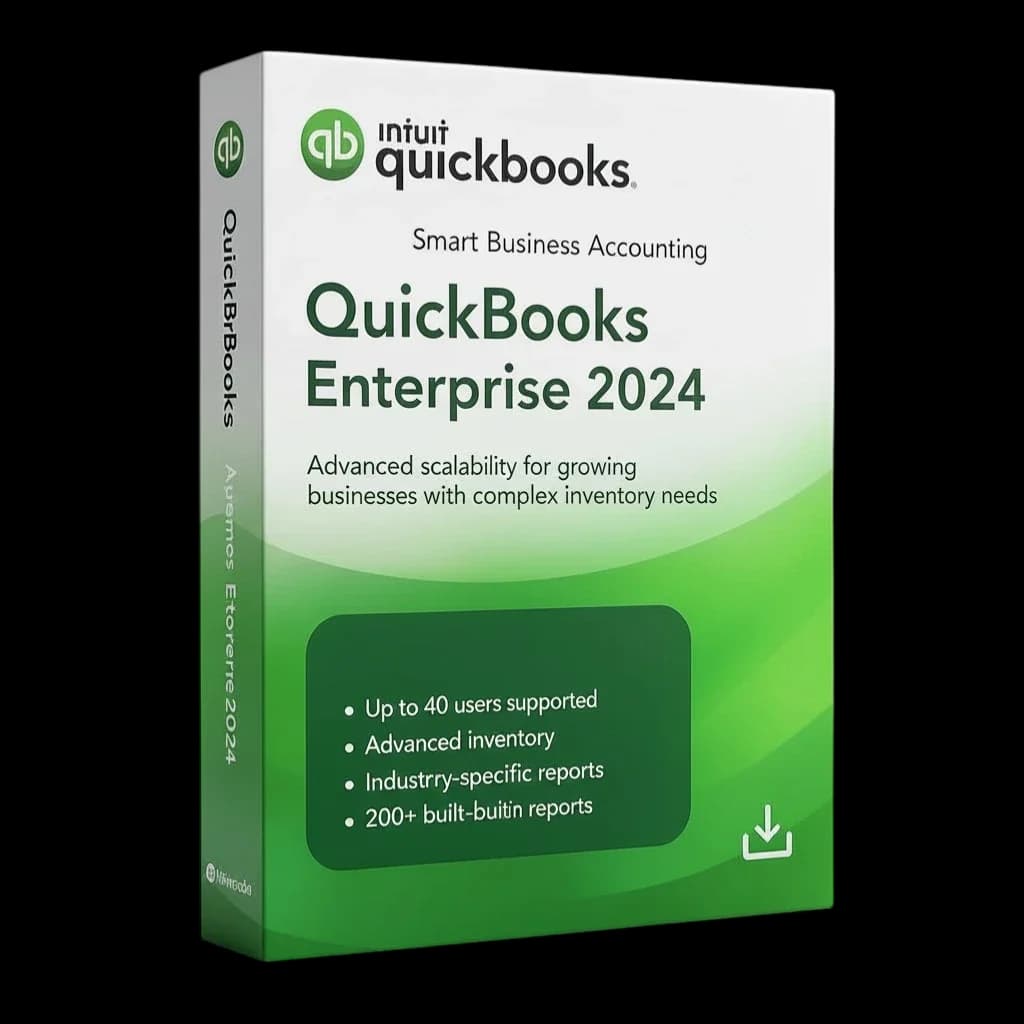
QuickBooks Desktop Enterprise 2024 — 5 Users
$1,499 / year $5,470 Save 73%
View edition
Related guides
- QuickBooks Desktop vs QuickBooks Online: ComparedQuickBooks Desktop vs QuickBooks Online: installed software vs cloud subscription, data control, editions and costs, explained for small business.
- QuickBooks Desktop Without a SubscriptionGet genuine QuickBooks Desktop 2024 as a yearly license with no monthly fees. See prices, terms and how pay after activation works.
- QuickBooks Enterprise for Multiple Users (Up to 40)QuickBooks Desktop Enterprise 2024 for teams: 5 users from $1,499 a year, scaling to 40 users with custom volume pricing.
- Is QuickBooks Desktop Going Away? Unpacking the Future of Your Trusted Accounting SoftwareIs QuickBooks Desktop going away? A clear look at what Intuit is changing, who still needs Desktop, and how to plan for the years ahead.