QuickBooks Desktop for Contractors: Which Edition?
Most small contractors do well with QuickBooks Desktop Pro Plus ($299 or $399 a year). Larger crews that track stock and need user roles should look at Enterprise, which adds advanced inventory and advanced reporting and roles.
Contractors and trades businesses have particular accounting needs: tracking materials, managing bills from suppliers, invoicing customers and seeing profitability at a glance. QuickBooks Desktop 2024 is a long-established choice for this kind of work. This page helps you match an edition to your business. It is a general guide, not industry-specific tax or legal advice.
What contractors typically need from accounting software
- Invoicing customers and tracking what is owed
- Entering and paying supplier and subcontractor bills
- Reconciling bank and card accounts
- Tracking materials and stock
- Clear reports so you know where money is going
- Controlled access when an office manager or bookkeeper joins the books
Pro Plus covers the first, second, third and fifth with more than 100 built-in reports. Enterprise adds advanced inventory and advanced reporting and roles for the fourth and sixth.
Edition options and prices
| Edition | Platform | Users | 1-year | 3-year | Best for |
|---|---|---|---|---|---|
| Pro Plus 2024 | Windows | 3 | $299 | $899 | Owner-operators, small crews |
| Pro Plus 2024 | Windows | 5 | $399 | $1,199 | Office staff plus owner |
| Mac 2024 | macOS | 3 | $299 | $899 | Mac-based offices |
| Enterprise 2024 | Windows | 5 | $1,499 | $4,499 | Larger teams |
Small crews: Pro Plus
If you run a small outfit with an owner, a bookkeeper and perhaps an office manager, Pro Plus gives you the tools without paying for features you will not use. The 3-user edition is $299 for a year, and the 5-user edition at $399 gives you room for another seat or two.
Growing crews: Enterprise
As a contracting business grows, more people touch the books and inventory gets more complicated. Enterprise adds advanced inventory and advanced reporting and roles, and our 5-user edition starts at $1,499 for a year. It scales up to 40 users through custom volume pricing built around your seat count. See our Enterprise for multiple users page for details.
Mac-based offices
If your office runs on macOS, the Mac edition covers 3 users at $299 for a year. Read our Mac vs Windows guide for the trade-offs.
Why contractors choose Desktop
Many owners like that Desktop is installed on their own computer, with their data on their own hardware, and that the 2024 license is a yearly license with no monthly fees. That makes the cost predictable. For a comparison with the cloud alternative, see Desktop vs Online.
Buying with low risk
Digilico delivers a genuine 2024 license with the official Intuit download in about 5 minutes. You install and activate it, and only then pay, after our team confirms it is working. If you need a refund, you can request one within 30 days of payment.
Moving your existing books
If you already use an older desktop version, QuickBooks Desktop 2024 opens and upgrades your company file. Back up first. Our team can help you plan the move.
Next steps
Compare all prices on the price page, or contact us with your team size and we will suggest an edition.
Setting up for a trades business
A few habits make any accounting file work better for a contractor. Keep job names consistent so reports stay readable. Enter supplier bills as they arrive instead of in batches. Reconcile your bank accounts regularly. Back up the company file on a schedule, ideally to more than one location. And if more than one person works in the file, agree who does what. Enterprise roles make that last step enforceable, while on Pro Plus it relies on process.
Support when you need it
You are busy on site, and software problems cost time. Our team offers priority human support for installation and activation, Mon to Fri, 9am to 6pm (PST), by phone or email. If you hit an error, send the exact message or a screenshot and we will work through it with you.
Before you decide
Count the people who will touch the books: the owner, a bookkeeper, an office manager and anyone entering bills. Match that number to an edition, then ask whether you need Enterprise's advanced inventory or roles. If not, Pro Plus is the economical choice. If you are unsure, send our team a short description of your business and we will recommend an edition before you buy.
Frequently asked questions
Which edition should a small contractor choose?
Pro Plus is the usual starting point: $299 for 3 users or $399 for 5 users for a year, with more than 100 built-in reports.
When should a contracting business pick Enterprise?
When you track materials and stock in more depth or need to control what individual team members can see, Enterprise adds advanced inventory and advanced reporting and roles.
Can the office and the field share the books?
User counts are set by the edition: 3 or 5 for Pro Plus, 5 up to 40 for Enterprise. Contact us with your setup and we will recommend an edition.
Can I keep my existing company file?
Yes. QuickBooks Desktop 2024 opens and upgrades your existing company file. Back it up first.
Do I pay before I can try it?
No. You pay only after activation, once our team confirms the software is installed and working.
Get genuine QuickBooks Desktop 2024
Official Intuit download, delivered in ~5 minutes. Pay only after activation.
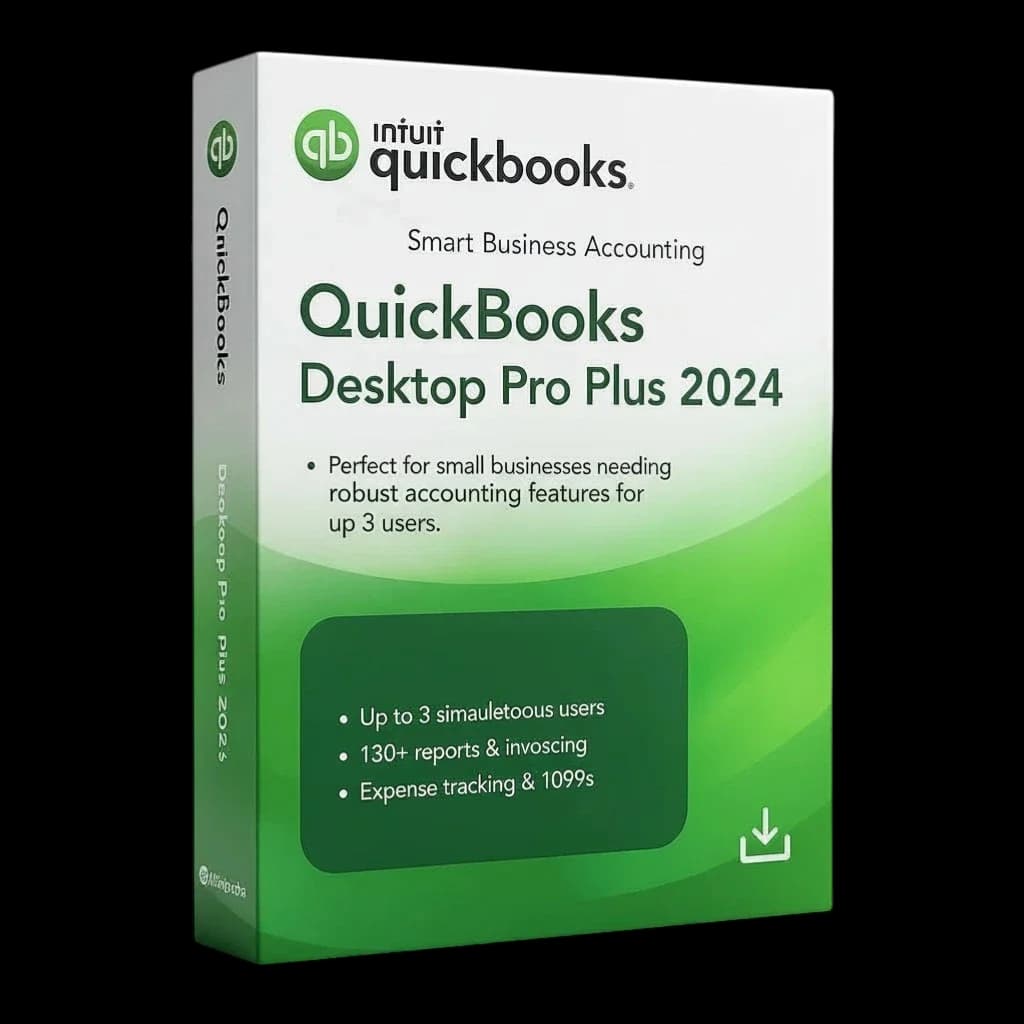
QuickBooks Desktop Pro Plus 2024 — 3 Users
$299 / year $1,049 Save 71%
View edition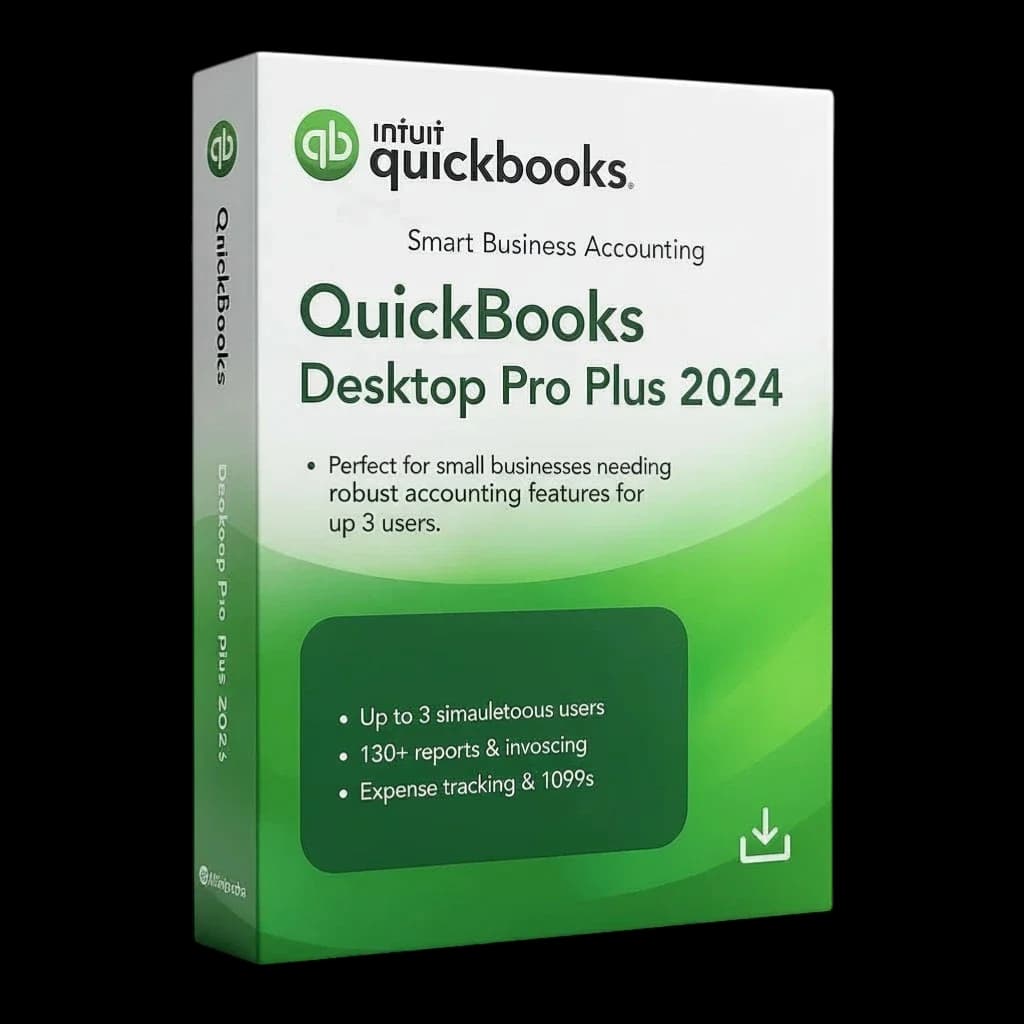
QuickBooks Desktop Pro Plus 2024 — 5 Users
$399 / year $1,449 Save 72%
View edition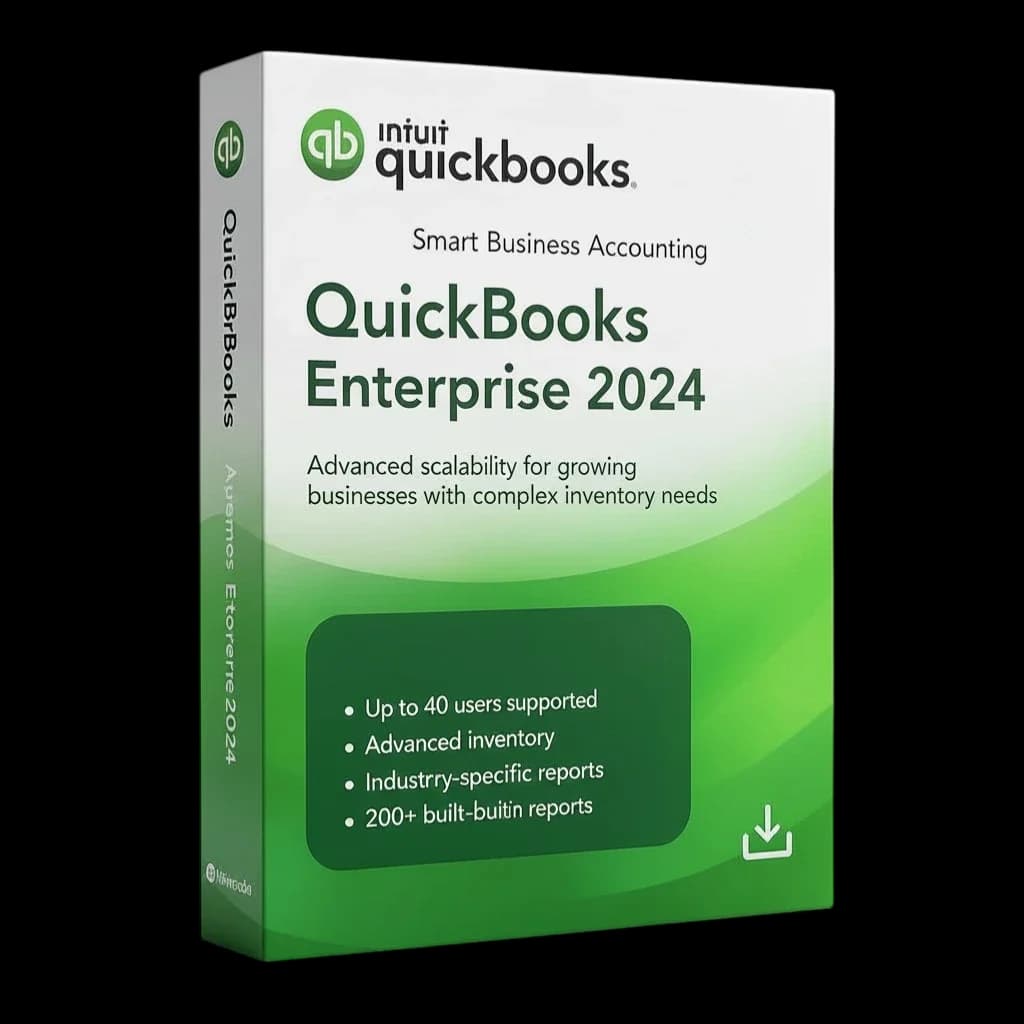
QuickBooks Desktop Enterprise 2024 — 5 Users
$1,499 / year $5,470 Save 73%
View edition
Related guides
- QuickBooks Desktop Mac vs Windows: Which Edition?Compare QuickBooks Desktop 2024 for Mac with the Windows Pro Plus and Enterprise editions: users, prices and who each is best for.
- QuickBooks Desktop vs QuickBooks Online: ComparedQuickBooks Desktop vs QuickBooks Online: installed software vs cloud subscription, data control, editions and costs, explained for small business.
- QuickBooks Desktop Without a SubscriptionGet genuine QuickBooks Desktop 2024 as a yearly license with no monthly fees. See prices, terms and how pay after activation works.
- Is QuickBooks Desktop Going Away? Unpacking the Future of Your Trusted Accounting SoftwareIs QuickBooks Desktop going away? A clear look at what Intuit is changing, who still needs Desktop, and how to plan for the years ahead.